



















Featured products
- -20%
- -20%



Best sellers
Special deals
- -20%
- -20%
 PrestaChamps · Official module demo
You are viewing the Product Quiz demo
PrestaChamps · Official module demo
You are viewing the Product Quiz demo
Product Quiz
Asks shoppers a few questions and recommends the right products, with contact capture, reports and a guided quiz builder.
- Shoppers answer a few questions and get the products that match — fewer "which one fits me?" drop-offs
- Build the whole quiz in one workspace: questions, answers, and what each answer recommends, with Draft and Publish
- Capture contacts, read reports, and show the quiz as a home banner, a category banner, a widget or a link

What it does
One workspace per quiz
Questions, answers with optional pictures, and for each answer the categories, brands, features, tags or products it recommends, with a strength — Strong, Normal, Weak or Never — plus "always show first" and "never show" rules. The products with the most points win.
Questions your way
Buttons with one choice, buttons with several, or a dropdown; a picture per answer if you like; and "only ask this question if…" conditions that branch on earlier answers.
Draft, Try it, Publish
Every change saves into a draft while shoppers keep seeing the last published version. "Try it" runs the draft privately and shows the ranked products with the reason for each. Publish checks block what cannot work and warn about likely mistakes.
Shown where it sells
A quiz page with one question at a time and a results page of normal product cards — and the same quiz as a home-page banner, a banner on chosen categories, a widget, or a plain link.
Contacts and reports
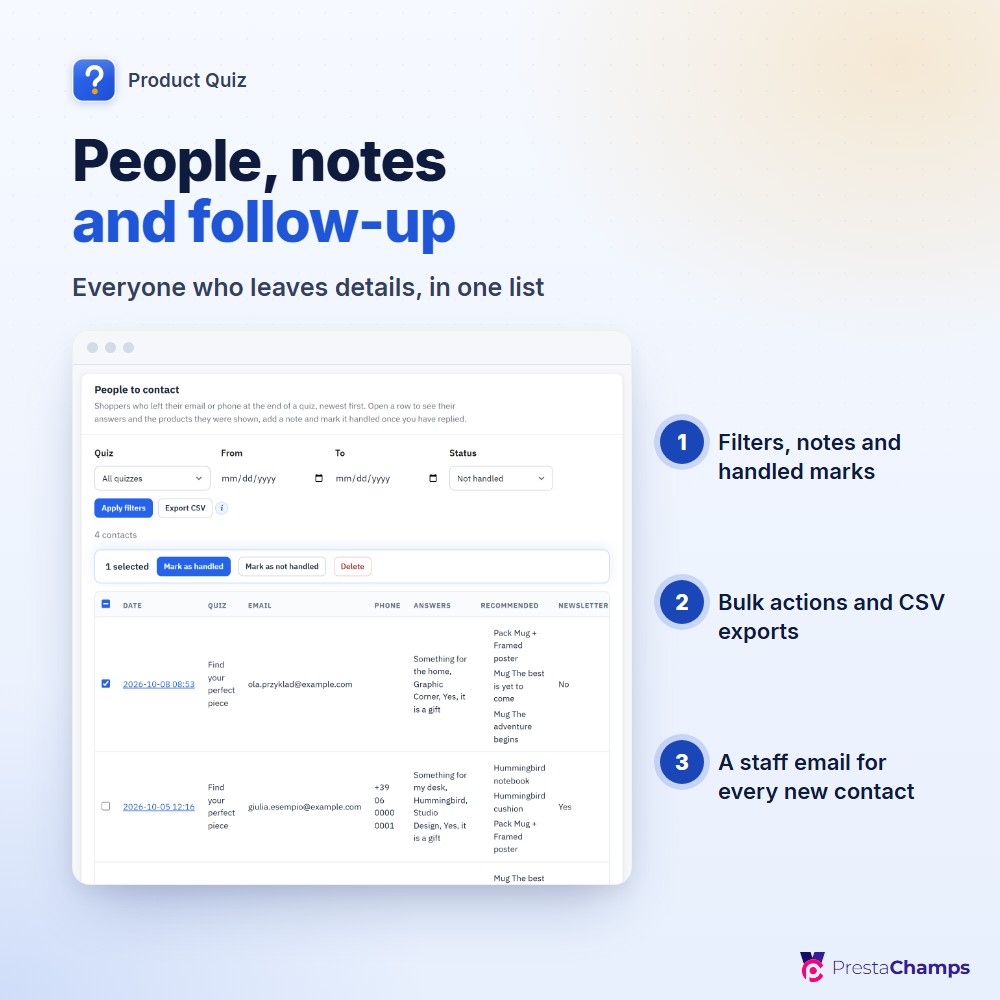
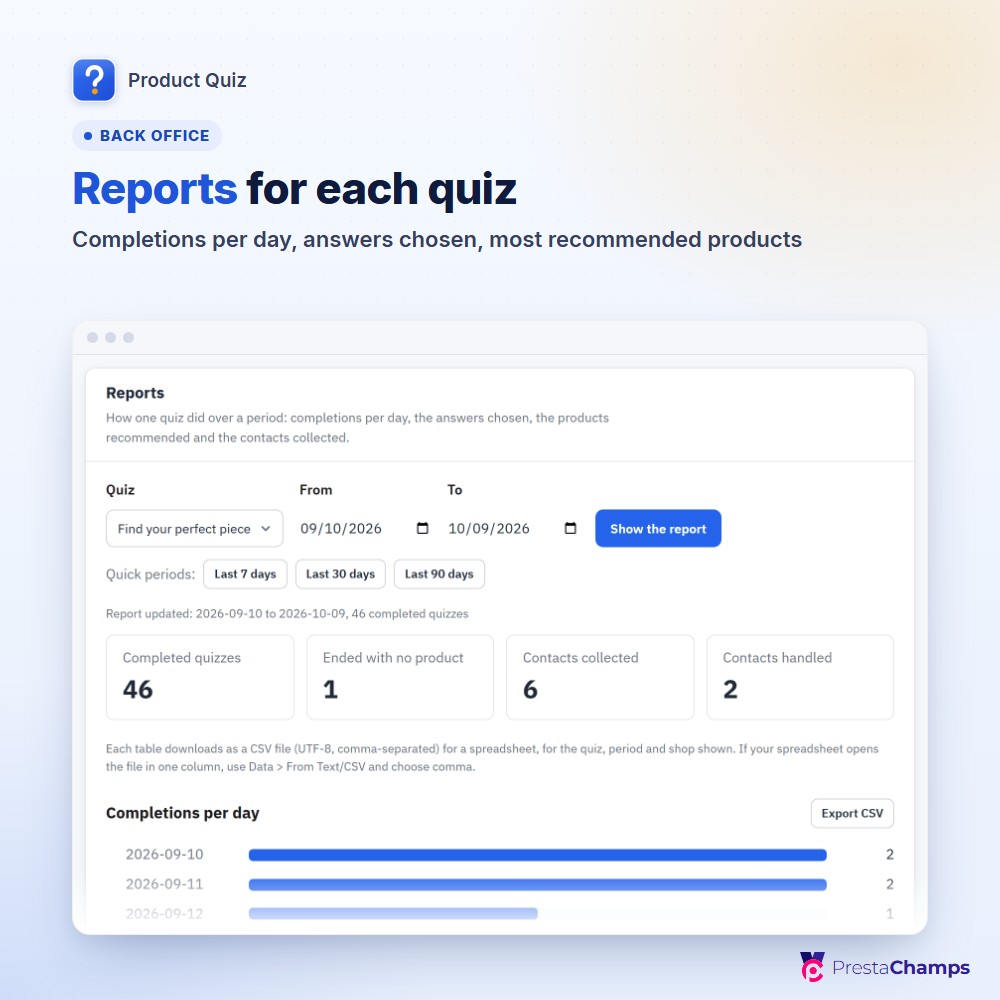
An optional contact card (off, optional or required) with a privacy-policy link and a newsletter box; People to contact and Completed quizzes with filters, notes, handled marks, bulk actions and CSV; a staff email for every new contact; reports of completions, answers chosen and top products.
Set up in minutes
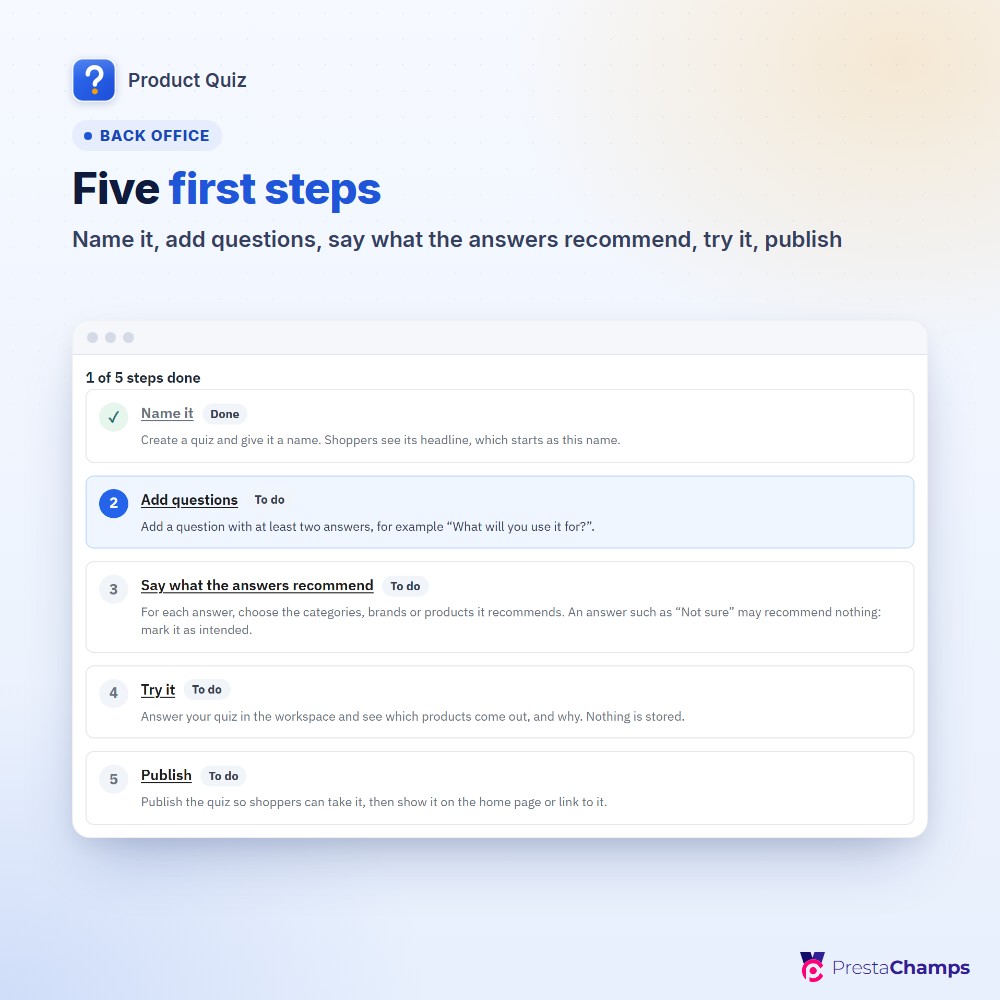
Five first steps — name it, add questions, say what the answers recommend, try it, publish — or start from an example quiz built from your own catalogue. GDPR export and erasure and a retention period are built in.
See it in the shop



Technical sheet
- Works on
- PrestaShop 8.0 – 9.x
- PHP
- 7.2 – 8.5
- Module version
- 2.0.x
- Multistore
- Yes
- Languages
- 7 (back office, shop and emails)
- Technical name
- pch_productquiz